

1xBet Android APK: Setup Steps and Mobile Site Fallback
An APK file is the standalone installer package Android uses to place apps on your phone, and understanding the 1xBet APK matters because this bookmaker distributes its Android app outside the Play Store, meaning you handle the installation yourself. That one difference explains every quirk you’ll encounter: the permission prompts, the update routine, and the occasional error message that makes no sense until you know what’s happening underneath. This guide walks through the full setup, the problems that trip people up, and the browser-based fallback when the app refuses to cooperate.

What This File Actually Is
When you download an app from Google Play, the store quietly fetches an APK and installs it for you. With 1xBet, you fetch that package yourself directly from the operator’s website, then ask Android to run it. The file contains everything the app needs – code, graphics, betting interface, account tools – bundled into one installer.
Because it comes from outside the official store, Android treats it with suspicion by default. That suspicion is healthy, honestly. It’s also why the installation involves an extra permission step that Play Store users never see. Once installed, though, the app behaves like any other: an icon on your home screen, full access to sports markets, casino games, deposits, withdrawals, and your account history.
Getting It Onto Your Phone
The whole process takes a few minutes when nothing goes wrong. Here’s the sequence:
- Open your phone’s browser and navigate to the 1xBet website
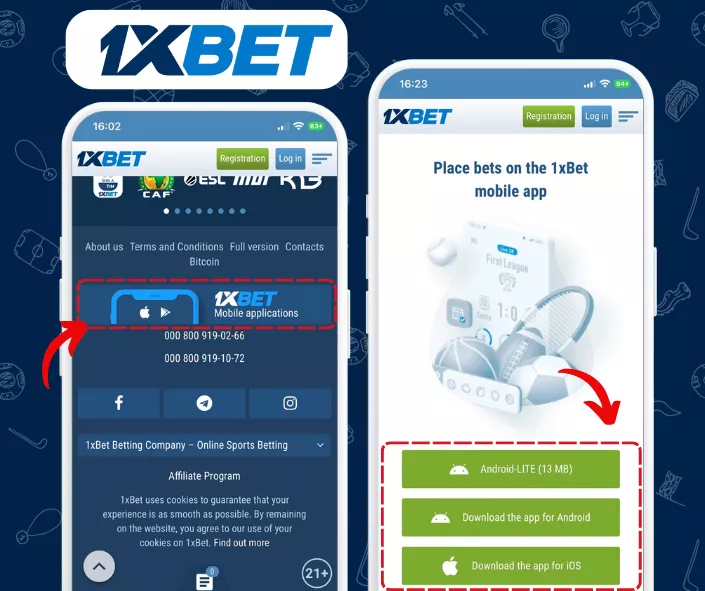
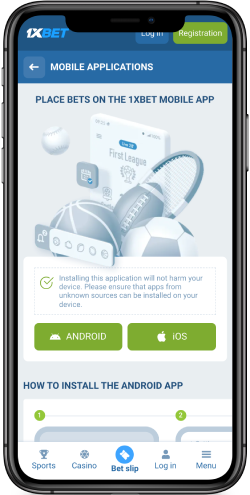
- Find the mobile app section and tap the Android download button
- Allow the APK download to run until it is fully complete
- Tap the downloaded file or find it in your Downloads folder
- When Android asks, allow installations from your browser or file manager
- Confirm the installation and wait for it to complete
- Open the app and log in or create an account
That permission in step five is where most people hesitate. Android now grants unknown-source access per app rather than globally, so you’re specifically allowing your browser or file manager to install this one package. You can revoke that permission afterward in your security settings if you prefer tighter control.
When Installation Goes Wrong
Even a straightforward process hits snags. These are the errors that come up most often and what actually fixes them.
“App not installed” with no explanation. This vague message usually means one of three things: insufficient storage space, a corrupted download, or a conflict with an existing version. Check your available storage first – Android needs breathing room beyond the file size itself. If space looks fine, delete the APK and download it fresh. If you already have 1xBet installed and this is an update attempt, the signing certificate might not match; uninstall the old version first, but know that this removes locally stored app data.
The download stalls or fails. Switch from mobile data to Wi-Fi or vice versa. Some networks throttle or block direct downloads. Also check that your browser has permission to download files – a prompt you might have dismissed earlier can silently block transfers.
Permission granted but installation still blocked. Battery optimization or security apps sometimes interfere. Temporarily disable any aggressive cleaner or antivirus tools, complete the installation, then re-enable them.
Parse error or “problem parsing the package.” The file didn’t download completely or your Android version doesn’t meet the app’s requirements. Verify your OS version in Settings, delete the partial file, and try again.
- Always download directly from the bookmaker’s own site, never third-party mirrors
- Check the file size matches what the site indicates before installing
- Keep at least a few hundred megabytes free beyond the APK size
- Restart your phone if repeated attempts fail – it clears stuck processes
Keeping the App Current
Unlike Play Store apps, the 1xBet Android app doesn’t update automatically in the background. When a new version releases, you’ll typically see a prompt inside the app itself, or you can check the website for the latest build. Some versions handle updates internally; others require downloading a fresh APK and installing over the existing one.
Here’s the catch: if the new APK was signed with a different certificate than your installed version, Android refuses the update. The fix is uninstalling first, then installing clean. You’ll lose locally cached data, but your account details, balance, and betting history live on the server side – log back in and everything returns.
Skipping updates entirely causes problems eventually. Older versions may lose access to features, display odds incorrectly, or fail to connect altogether. When the app starts behaving strangely and you haven’t updated in a while, that’s your first suspect.
What You Get Once It’s Running
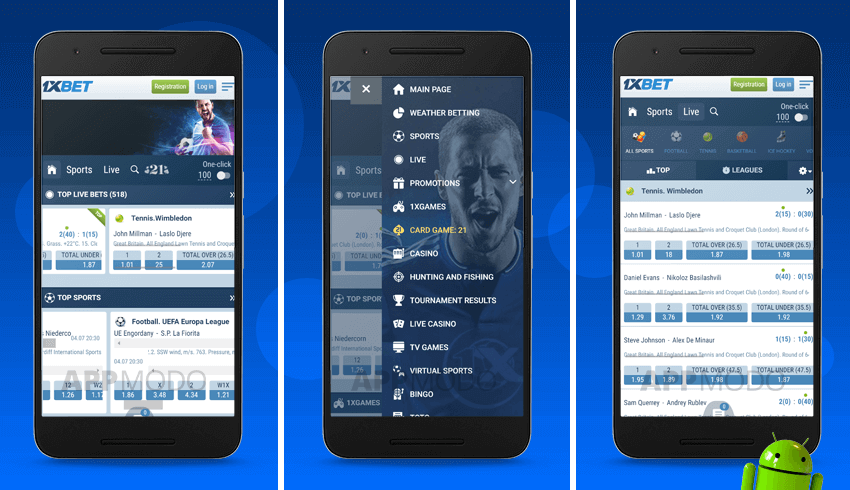
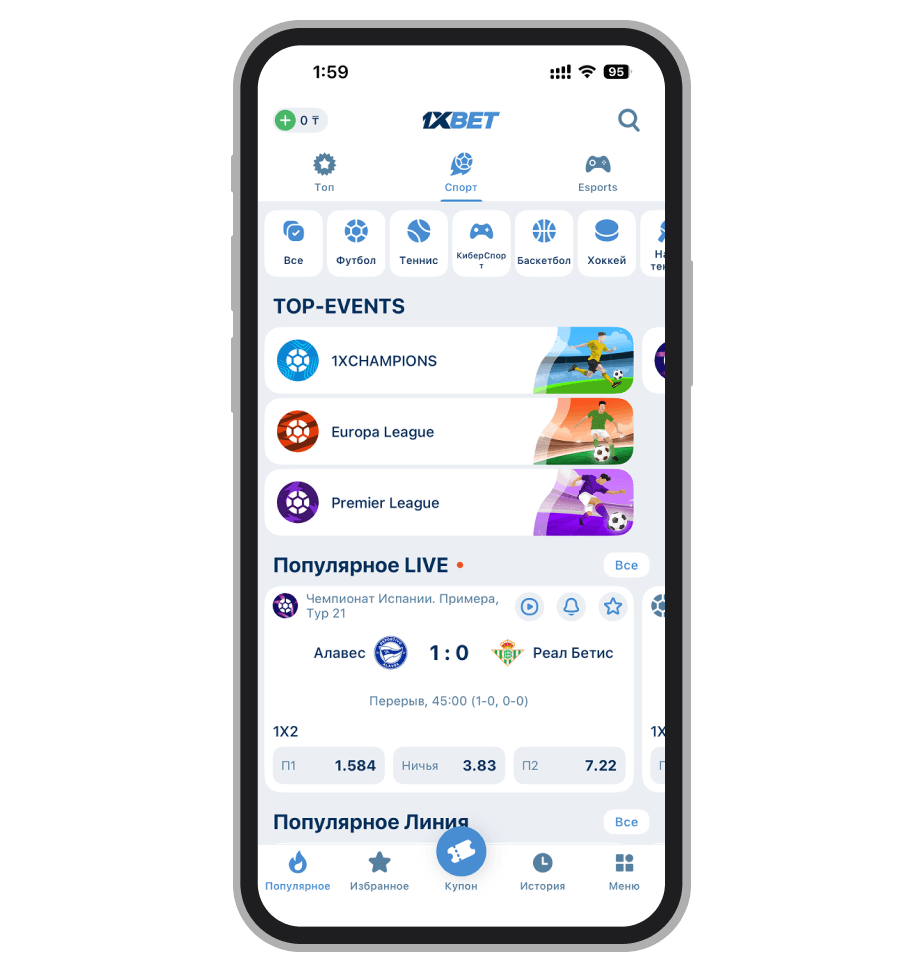
The app mirrors the desktop site’s core functionality in a touch-friendly layout. Sports betting covers pre-match and in-play markets across dozens of disciplines, with live odds updating in real time. The casino section packs slots, table games, and live dealer rooms. Account management, deposits, withdrawals, and bonus tracking all work from the same interface.
Many users specifically install the app for live streaming of matches they’re betting on, though availability depends on your region and the specific event. Push notifications for bet settlements and promotions are another app-only perk, assuming you grant that permission.
Features and layout vary between releases and regions, so your experience might differ slightly from someone else’s screenshots or descriptions.
The Browser Alternative
Sometimes the app just won’t work – maybe your Android version is too old, maybe you don’t want to grant installation permissions, maybe you’re troubleshooting and need a temporary solution. The mobile website handles nearly everything the app does.
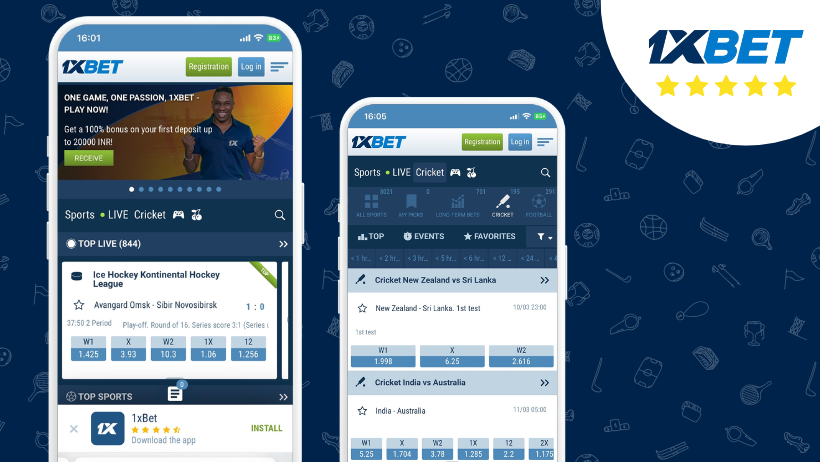
Open your browser, log in, and you get the same sports markets, the same casino games, the same account tools. The interface adapts to smaller screens reasonably well. You lose push notifications and the convenience of a home screen icon, but you gain freedom from installation headaches and update chores.
For quick bets or account checks, the mobile site often feels faster than launching the app anyway. If you’re dealing with persistent installation problems, switching to the browser temporarily lets you keep betting while you sort out the technical issues.
Verifying Your Download Source
Fake APK files exist, and they range from annoying adware bundles to genuine security threats. The only reliable source is the bookmaker’s official website – accessed by typing the address yourself or using a bookmark you’ve verified, not clicking links from emails, ads, or forums.
Before installing, check these details:
- The site URL matches exactly what you expect, no extra characters or odd domains
- The connection shows as secure in your browser
- The download button leads to an APK file, not an executable or archive
- The file size roughly matches what the site indicates
If you’re looking for the 1xbet apk download latest version to manage your sports betting account, that verification step takes thirty seconds and prevents genuine headaches. Third-party app stores and mirror sites might offer the file, but you have no way to confirm it hasn’t been modified.
Quick Reference: Symptoms and Solutions
| Problem | Likely Cause | Fix |
|---|---|---|
| App not installed | Storage, corruption, or certificate conflict | Free space, re-download, or uninstall old version |
| Parse error | Incomplete download or OS incompatibility | Delete file, check Android version, retry |
| Download won’t start | Browser permissions or network issues | Allow downloads, switch connection type |
| Update fails | Signing certificate mismatch | Uninstall first, then install fresh |
| App crashes on launch | Outdated version or corrupted data | Update, clear cache, or reinstall |
Most installation problems resolve with one of these approaches. When they don’t, the mobile site keeps you functional while you investigate further or wait for the next app release to fix underlying bugs.
Set deposit limits and take breaks – betting should stay entertainment, not obligation.
FAQ
Why does Android block the installation even after I allow unknown sources?
The permission applies per app, so granting it to your browser doesn’t cover your file manager. Make sure you’re allowing the specific app you’re using to open the APK. Security software can also override your settings – temporarily disable it during installation.
Will I lose my account if I uninstall the app?
No. Your account, balance, and history exist on 1xBet’s servers. Uninstalling removes local data like cached images and login sessions, but logging back in restores full access.
How do I know if I have the latest version?
The app usually prompts you when updates are available. You can also compare your version number in the app settings against what the website lists for the current release.
Is the mobile website as good as the app?
For core betting and account functions, yes. You lose push notifications and some interface polish, but the mobile site handles deposits, withdrawals, live betting, and casino games without requiring any installation.
Can I install the APK on multiple devices?
Yes, the same file works on any compatible Android device. You’ll need to log in separately on each one, and some features may vary depending on device capabilities and regional settings.