

1xBet Mobile: The Steps, Explained Simply
Android betting apps are not available through Google Play for stores in many regions, so installing the 1xBet app means handling an APK file directly. This article covers what that file is, how to download and install it safely, how to keep it updated, what the app actually does, and what to do when something fails. It is written for someone who may need to reinstall after a problem, or start from scratch on a replacement device.
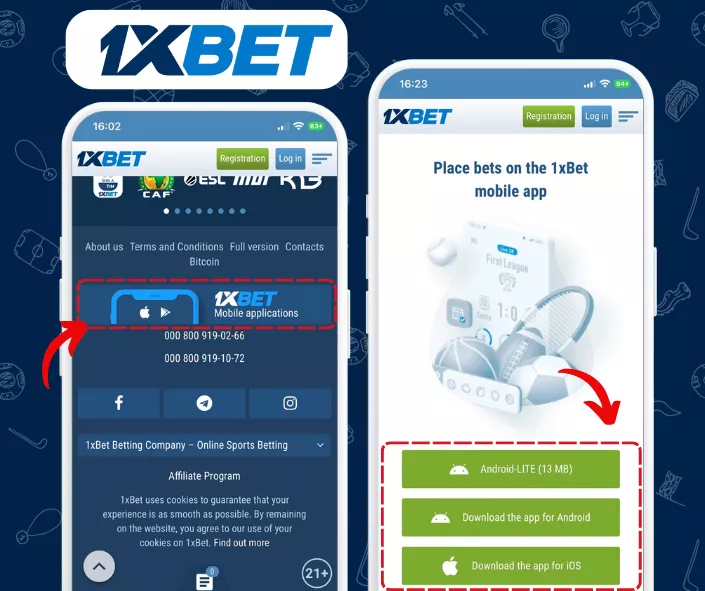
Getting the File Onto Your Phone
The APK is the Android package that contains the full betting app. You get it from the 1xBet mobile site, not from an app store. The file is small enough for most data plans, though a Wi-Fi connection keeps the download stable.
Here is the full flow from start to finish:
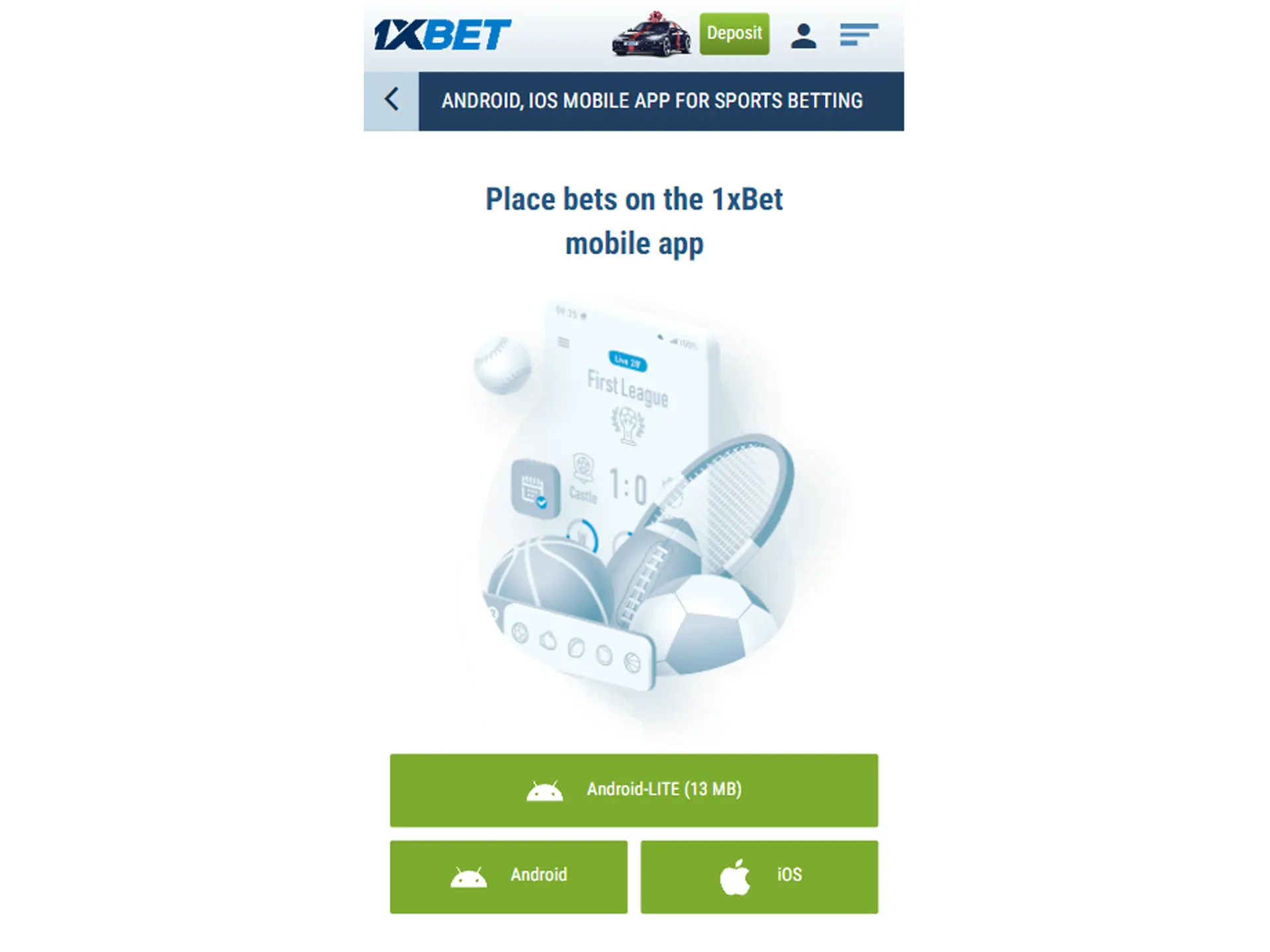
- Launch the browser on your phone and navigate to the 1xBet website. The page usually detects your device and shows an Android download prompt near the top.
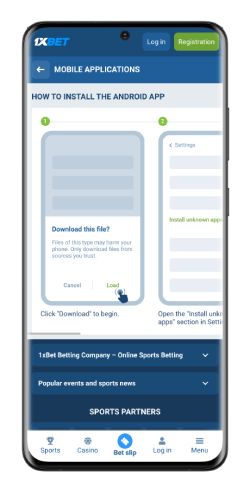
- Tap the download button once. Your browser fetches the file. Check your notification bar if nothing appears after a few seconds; the download may need manual approval.
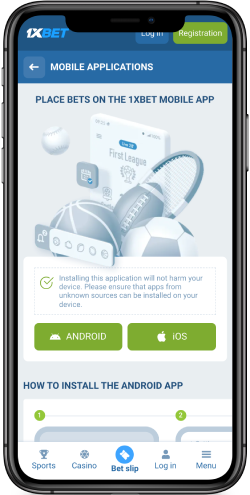
- Before installing, open your phone settings. Find the section for app permissions or unknown sources. Android now asks per app: your browser or file manager needs permission to install from outside the Play Store.
- Toggle the permission on for that specific source. Switch it back off once the installation is complete.
- Tap the finished download either in the notifications panel or through your files app. Tap install and wait. The icon appears on your home screen when finished.
That permission step catches most people on reinstall. The setting location varies by Android version and phone maker interface, so search settings for “install unknown apps” if you cannot find it visually. Revoking the permission afterwards is good practice; it does not affect the installed app.
Keeping the App Current
APK-based apps do not update automatically like Play Store apps. You check for updates yourself, or the app may prompt you when it loads.
The update process uses the same steps as the first install. Download the newer APK, run it, and the existing app upgrades while keeping your login and balance intact. There is one hard rule: if the new file is signed with a different certificate than the old one, the update fails. In that case you must uninstall first, then install fresh. Uninstalling removes local app data such as saved passwords and notification settings, so note your login details before doing this.
A simple check schedule works: verify your build when you notice layout changes, or when live betting feels slower than usual. The 1xbet download apk version page carries the current package. Grab it when you suspect your install is behind. Staying current matters because odds feeds and security patches move with each release.
What the App Actually Does
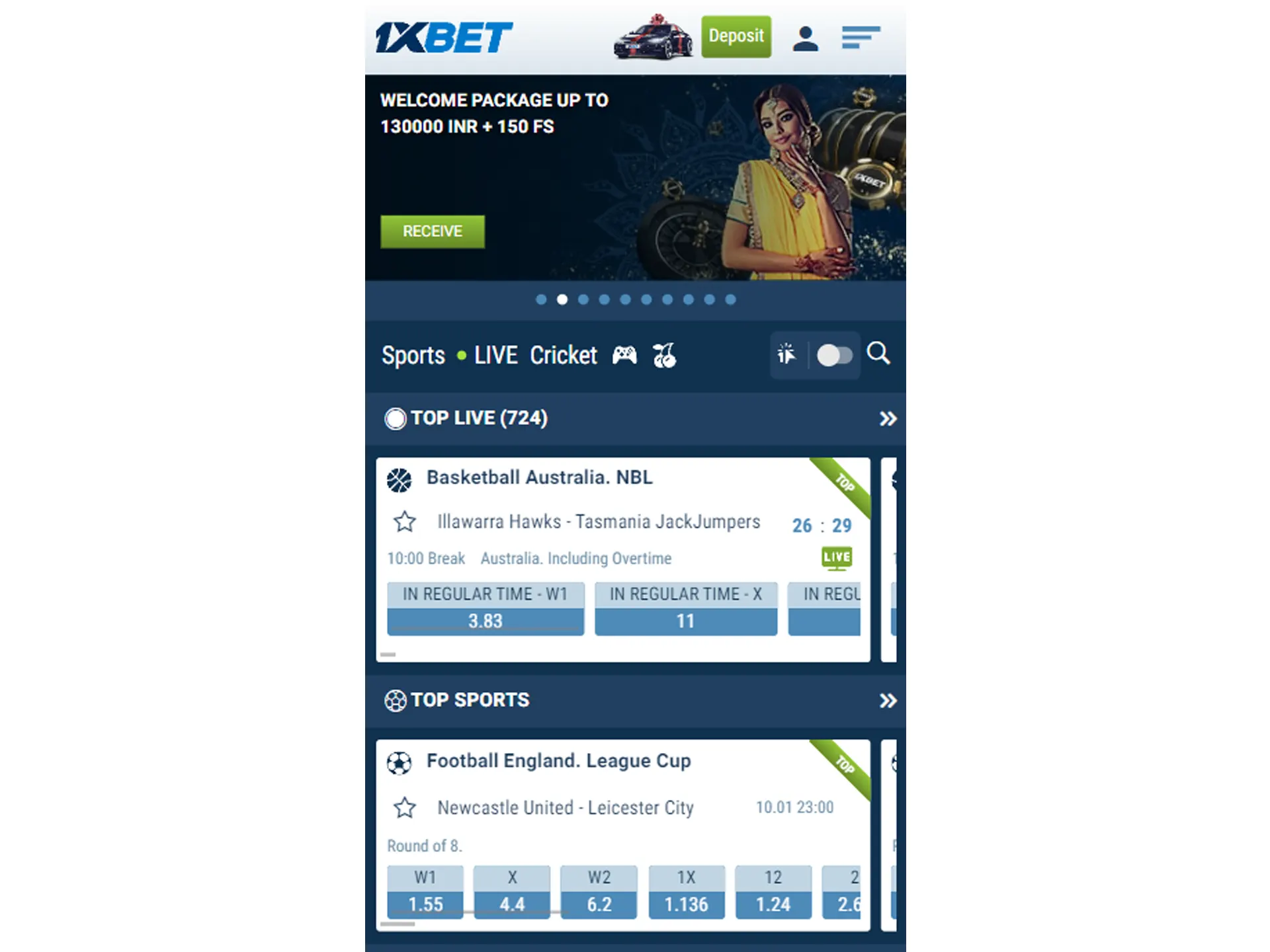
The app mirrors the main site but strips away elements that slow down phones. Here is how the core areas work:
| Section | What it handles |
|---|---|
| Sports betting | Pre-match odds across mainstream and niche sports, with quick coupon building and stake entry |
| Live betting | In-play markets with changing odds, often with basic match trackers if video streaming is not available |
| Casino and games | Slots, table games, and live dealer tables running through the same account wallet |
| Payments | Deposits and withdrawals through cards, wallets, and region-specific methods |
| Account | Profile, bet history, bonus status, and responsible gambling limits |
Regular bettors mainly choose the app because of notifications. A match you are tracking can alert you to a goal or a line move without you refreshing anything. The coupon also stays alive when you switch to check football fixtures or stats in another app. On a browser, background tabs sometimes drop your place; the app keeps it.
Interface details and available payment methods vary by region and app release. The layout may shift slightly between updates as well. Core functions stay consistent, but the exact menu labels or order can change.

When Something Breaks, and the Mobile Site Fallback
Problems on reinstall usually fall into a short list. Here is how to read and fix each:
- Blocked install: The unknown-sources permission is off, or set for the wrong app. Go back to settings, confirm your browser or file manager can install, then retry.
- Corrupt file warning: The download cut off early. Delete the partial file, check your connection, and fetch it again from the original source.
- App not installed: The certificate mismatch described above, or leftover data from a previous install. Uninstall fully, restart the phone, then try the new APK.
- Login fails after reinstall: Your credentials are correct but the app acts strange. Clear the app cache first. If that fails, remove and install fresh.
- Crashing on open: The app release may not match your Android version or regional settings. The mobile site works immediately while you wait for a compatible build.
The mobile site is the practical backup for every scenario above. It loads in any browser, needs no permissions, and carries the same balance and markets. Speed lags slightly behind the app, and notifications do not exist, but for placing a bet or checking a cashout it works fine. Keep the site bookmarked even when the app runs well.
Set gambling limits through your account menu if betting starts to feel pressured rather than chosen. That option exists in both app and site.
FAQ
Why is Android saying this APK might be dangerous?
Any APK outside Google Play triggers this by default. It is a system message, not a comment on the specific file. If you fetched it from the official mobile site, the warning is routine. You proceed by granting install permission to your browser.
Do I need to delete my old app before updating?
Not if the update uses the same signing certificate. The new APK installs over the old one and keeps your data. Only uninstall if the update fails with a certificate or signature error, because Android refuses to overwrite in that case.
Can I move my account between phones with the app?
Your account lives on 1xBet servers, not on the phone. Log in on any device and your balance, open bets, and history appear. Local settings like saved passwords or notification preferences do not transfer; you set those again per device.
Why are some app features missing on my phone?
The app adapts to region, operating system version, and sometimes the specific release build. A feature visible on one phone may be hidden on another until a later update. The mobile site usually shows the full feature set regardless.
Is the app safer than the mobile site?
Your login credentials and data protection remain identical across both platforms. The app adds convenience and speed, not a separate security layer. Your safety depends more on where you get the APK and whether you keep the app updated than on the choice between app and site.